
Your ESP32 usually keeps two copies of its firmware
Jerome Privott · · 3 min read
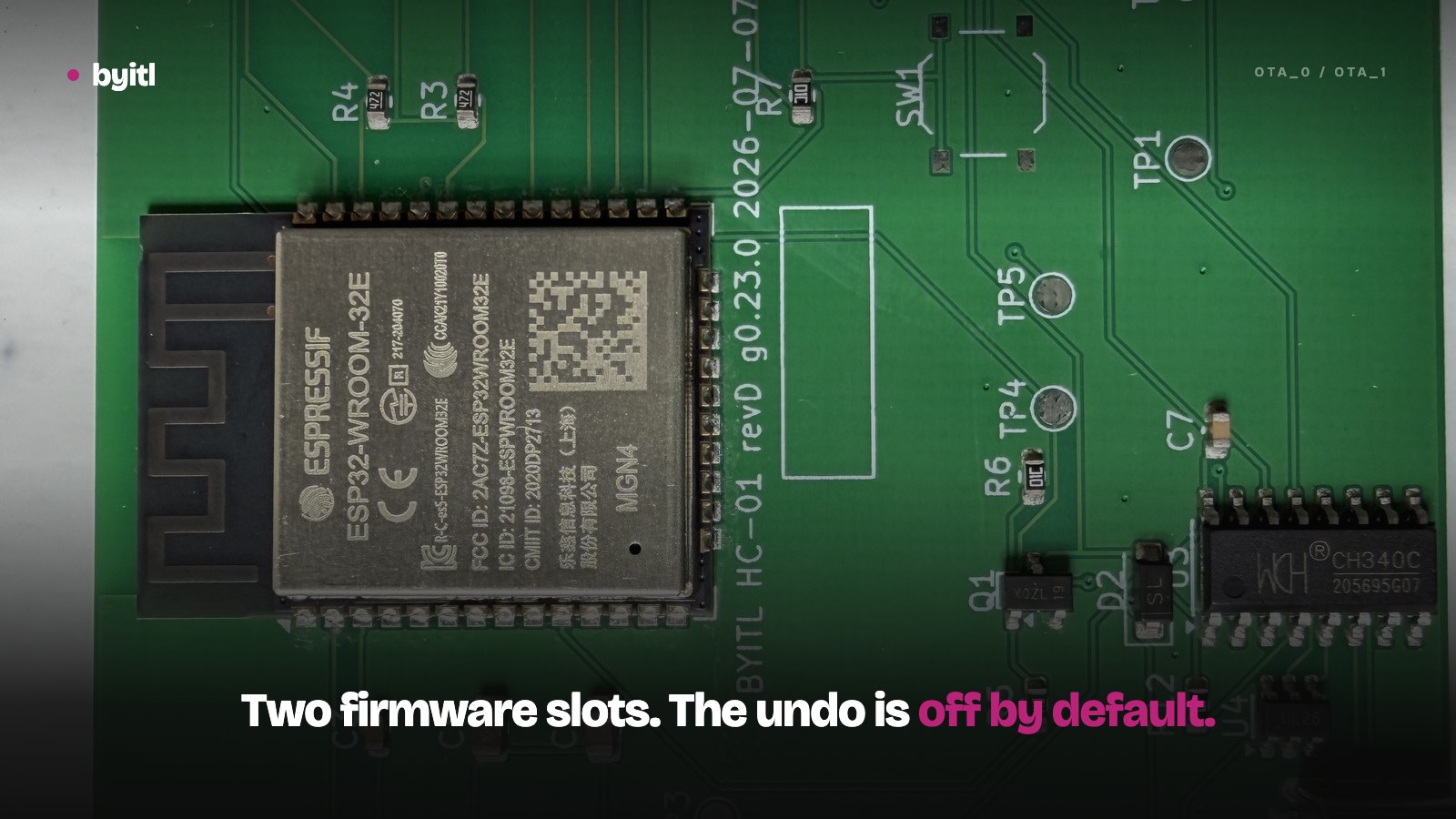
Two copies, and the undo is off
An ESP32 that updates over Wi-Fi does not overwrite the firmware it is running. It keeps at least two app slots, usually just two, and writes the new image into one it is not using. That second copy is what makes an over-the-air update safe. It only works as an undo if rollback is switched on, and in ESP-IDF it is off by default.
Two slots, one running
Over-the-air (OTA) updates in ESP-IDF need at least two OTA app slot partitions, ota_0 and ota_1, plus an OTA data partition. "At least" means a partition table can hold more app slots. This post uses the common two-slot layout. The running app writes the new image to whichever slot is not currently selected for booting. The OTA data partition then records which slot boots next.
So the working firmware stays untouched while the new copy lands.
What it looked like on our bench
This is the partition table on our HC-01 humidor controller:
# Name,   Type, SubType, Offset,  Size
nvs,      data, nvs,     0x9000,  24K
otadata,  data, ota,     0xf000,  8K
phy_init, data, phy,     0x11000, 4K
ota_0,    app,  ota_0,   0x20000, 1536K
ota_1,    app,  ota_1,   ,        1536K
storage,  data, nvs,     ,        448K
ota_0 starts at 0x20000 and is 1536K long, so ota_1 starts at 0x1a0000. When we brought up the rev E boards, the first over-the-air update wrote 1.32 MB in 14.1 seconds (about 93.7 KB/s) and rebooted. The boot log said Loaded app from partition at offset 0x1a0000. That is ota_1. The board rejoined Wi-Fi on its own with the same IP, and the web UI came back. The rest of that bring-up is in the annular-ring fix held.
The undo is a setting
App rollback lets the device return to the previous working app when a new one has critical errors. In ESP-IDF that is CONFIG_BOOTLOADER_APP_ROLLBACK_ENABLE (Enable app rollback support), and its default value is Disabled.
With rollback on, a new app boots in the PENDING_VERIFY state. It should check itself, then call esp_ota_mark_app_valid_cancel_rollback().
What the bootloader does with each state of a new app:
PENDING_VERIFY: first boot, not yet confirmed. The bootloader runs it once.VALID: confirmed by the app. The bootloader boots it.INVALID: the app failed its own check. The bootloader skips it and goes back to the old app.ABORTED: rebooted before confirming. The bootloader skips it and goes back to the old app.
If the new app reboots before it confirms, it becomes ABORTED. The bootloader will not select it, and the device goes back to the previous working app. A power loss or a crash on that first boot triggers the rollback too, so keep the self-test quick. One more limit, from the Kconfig reference: rollback only works between apps with the same security version.
Check it worked
- Confirm your partition table has
ota_0,ota_1and an OTA data partition. - Turn on app rollback support in menuconfig.
- In the new firmware, run your self-test first, then call
esp_ota_mark_app_valid_cancel_rollback(). - Push an update and cut the power during its first boot. The device should come back on the old app.
One caution for Wi-Fi updates
Espressif advisory AR2026-003 (V1.0, 2026-04-29) reports that some WPA3-SAE H2E settings can make devices fail to reconnect to networks after an OTA update. Its own advice is the setup above: turn on rollback and use a checkpoint such as a successful Wi-Fi connection before the new firmware confirms itself. It also says rollback will fail for two of the issues it lists, if the app rewrites the stored Wi-Fi config's sae_pwe_h2e value after the update. The fix is in recent ESP-IDF releases, for example v6.0 and later. If your devices join WPA3 networks, read it before you ship.
Sources
- ESP-IDF, Over The Air Updates (OTA): https://docs.espressif.com/projects/esp-idf/en/stable/esp32/api-reference/system/ota.html
- ESP-IDF, Kconfig reference,
CONFIG_BOOTLOADER_APP_ROLLBACK_ENABLE: https://docs.espressif.com/projects/esp-idf/en/stable/esp32/api-reference/kconfig-reference.html - Espressif advisory AR2026-003: https://documentation.espressif.com/AR2026-003_OTA_Bug_Advisory_for_WPA3-SAE_H2E_Configuration_Issues_in_ESP-IDF_EN.pdf
We build the board and its firmware as one job, update path included. See how that works.
Related
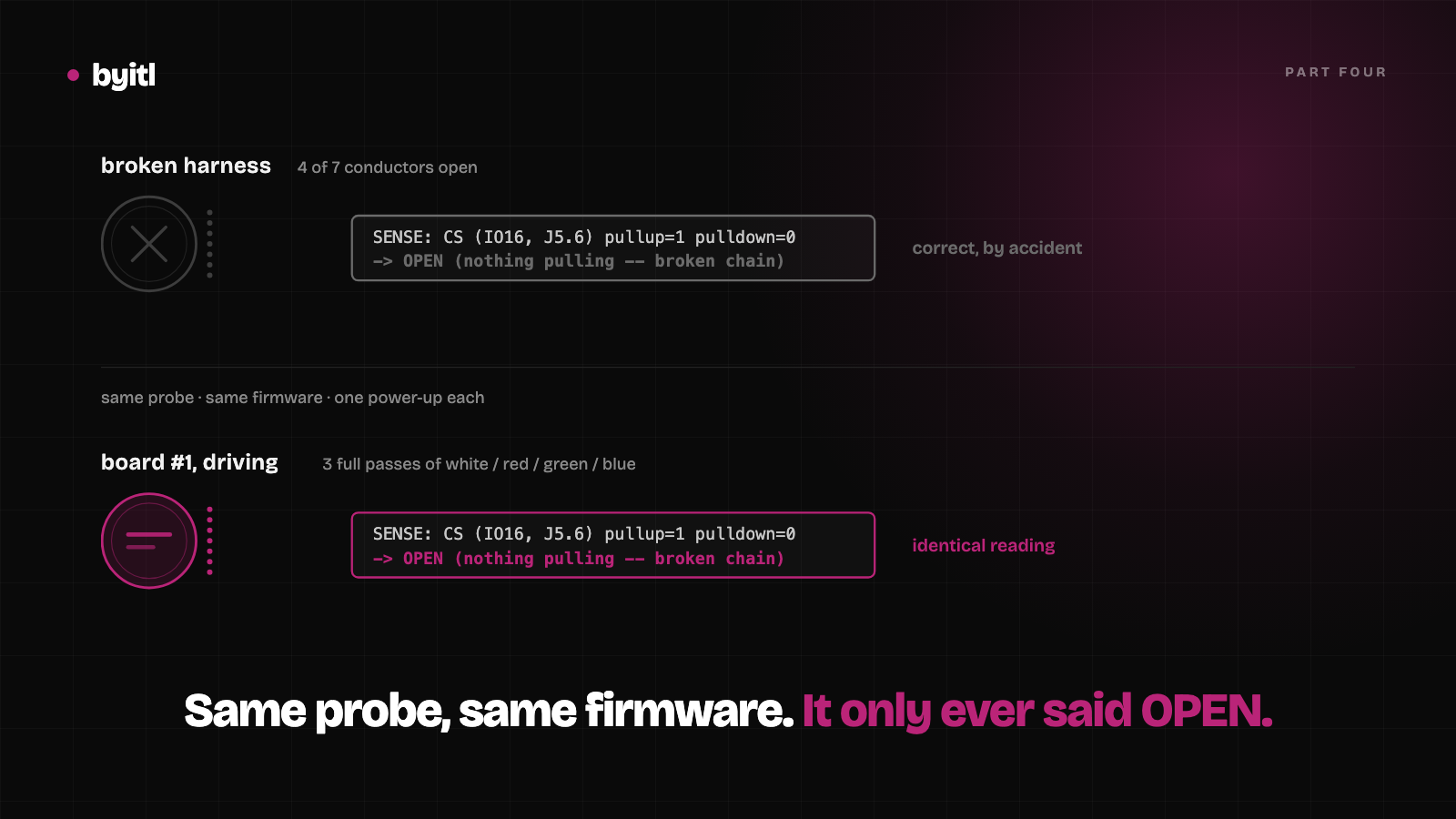
The probe said OPEN. The display was working.
Part four. My J5 continuity probe reported OPEN on a board whose display was provably working, and a bring-up flag shipped on the demo unit.
· 6 min read
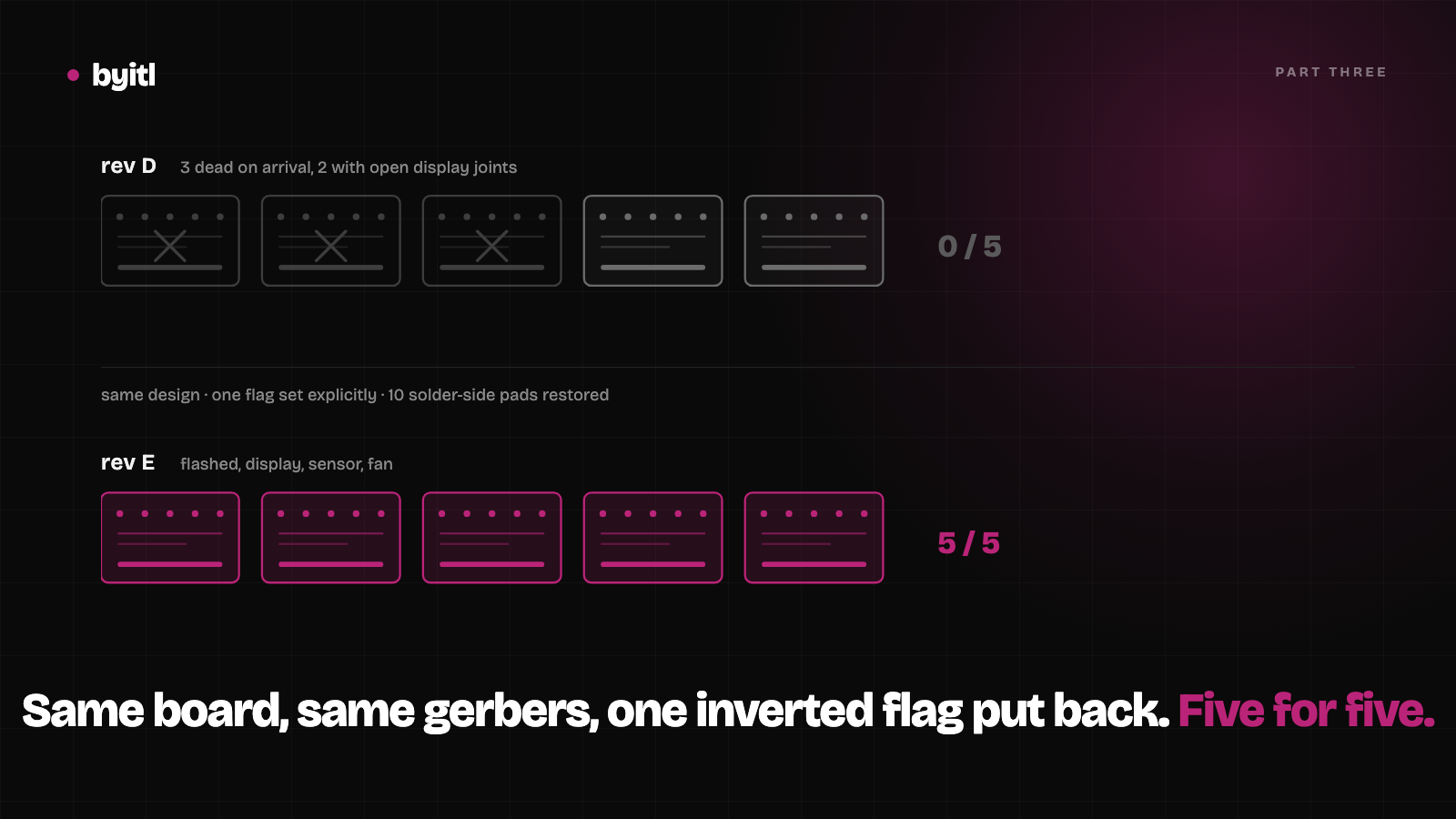
The annular-ring fix held: five of five boards work
Part three. Same design, one inverted flag put back, a different assembler. Five of five rev E boards flashed, drove the display and read the sensor.
· 8 min read
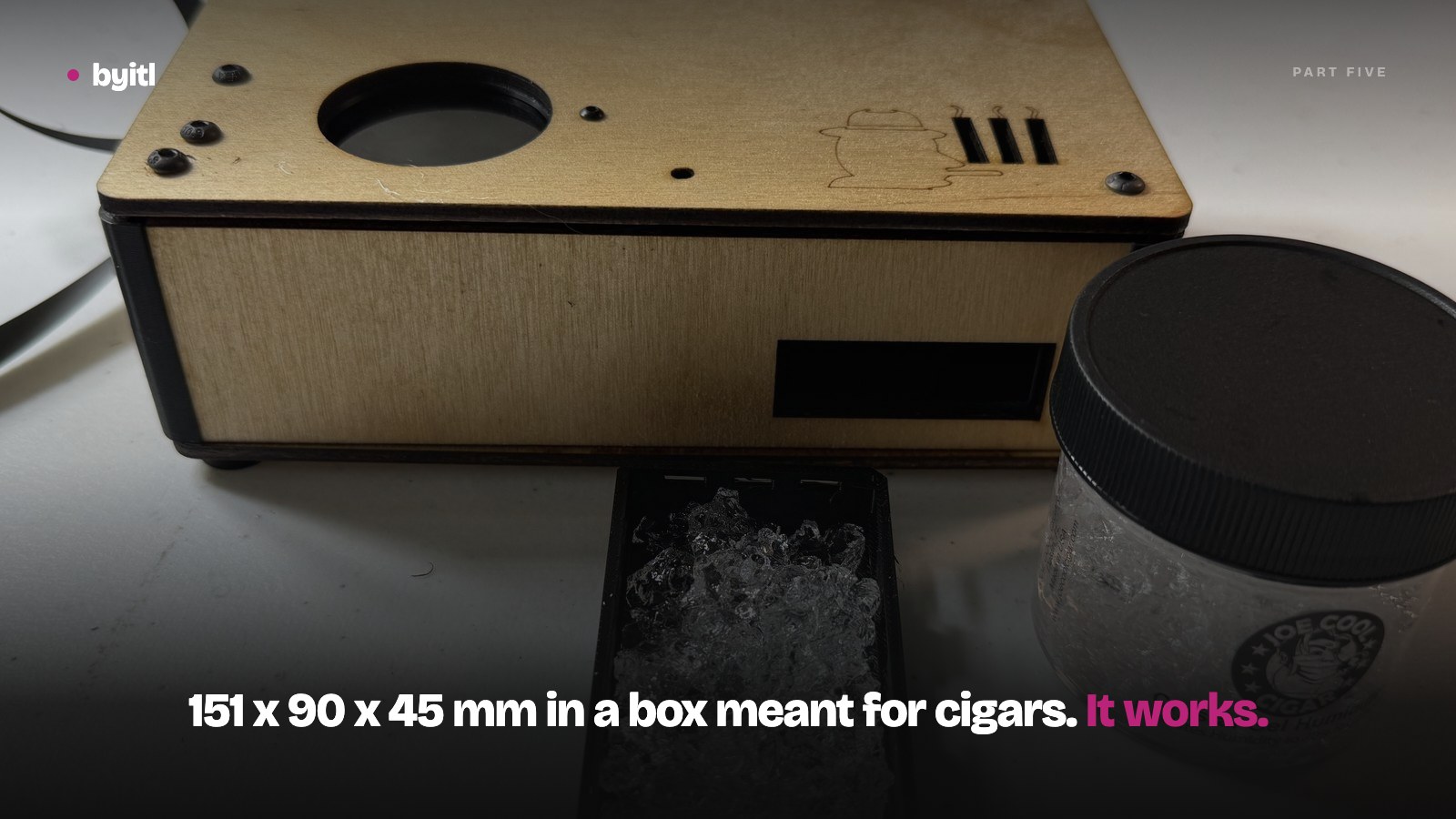
It works. It is also too big.
Part five. HC-01 is running in a real humidor: 522 logged samples, agreement with an independent hygrometer, and one closed control loop.
· 6 min read