
Does my gadget need a phone app?
Jerome Privott · · 7 min read
The short answer
Often, no. Plenty of devices work fine with a button, a light or a small screen. If yours is on Wi-Fi, it can also serve its own web page, which you open in your phone's browser. No app store, no separate app build.
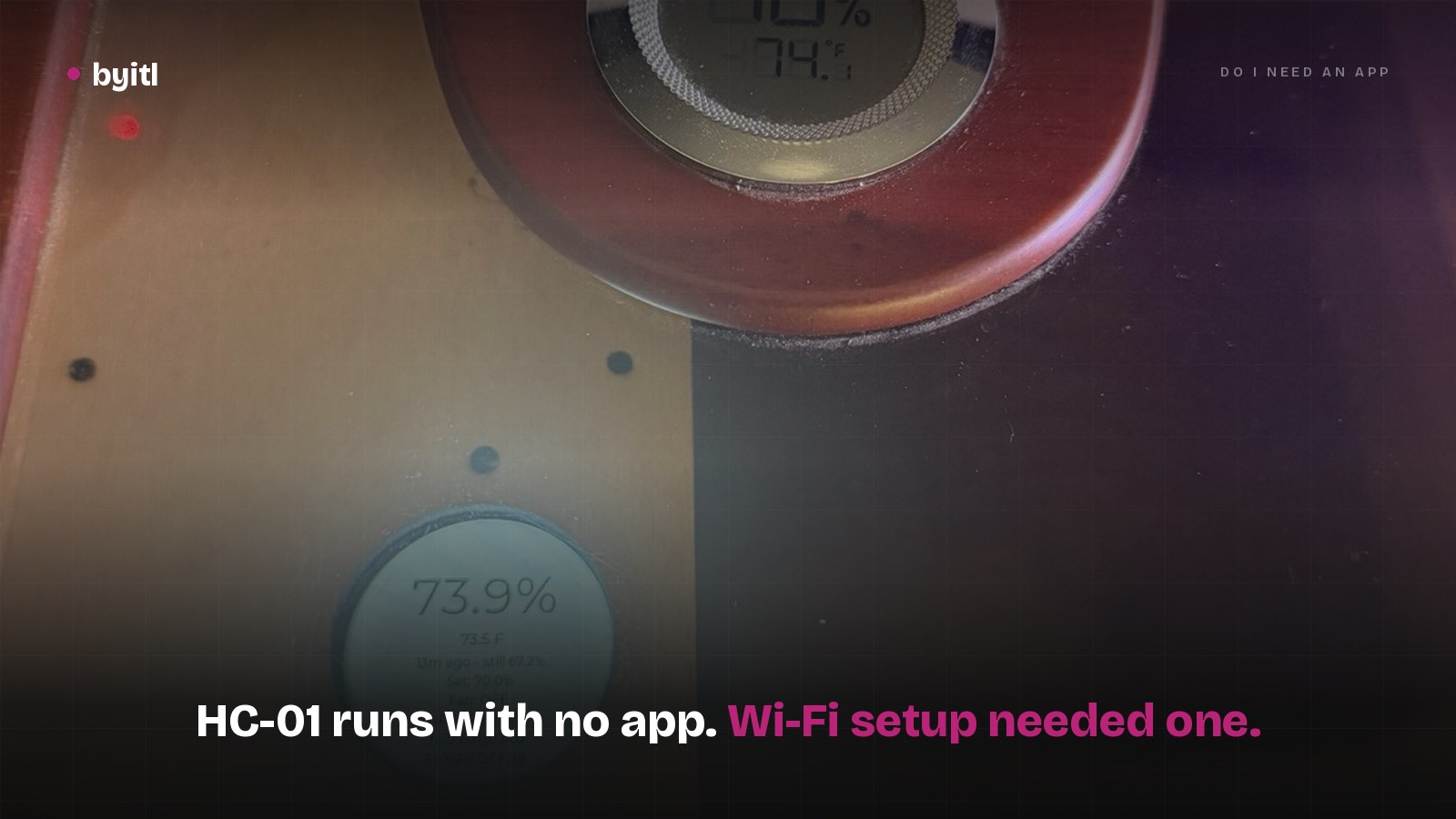
Our own humidor controller, HC-01, has no app. It shows its readings on a round screen, runs its fan by itself, and serves a small web page over Wi-Fi. The one place a phone app earned its keep was setup: getting a brand-new unit onto your home Wi-Fi. That is where ours got stuck, and it's the part to plan first.
What are my options?
There are three. Here they are, simplest first.
| Option | How you use it | What it adds |
|---|---|---|
| No connection | Buttons, lights or a small screen on the device | Nothing beyond the firmware (the code that runs on the device) |
| A web page the device serves | Open an address in your phone's browser while you're on the same Wi-Fi | More firmware, plus a way to get the device onto Wi-Fi |
| A phone app | Install an app, then pair it with the device | A separate software build on top of the device |
Wi-Fi and Bluetooth come with the chip we use, the ESP32. So the radio itself is rarely the hard part. What you do with it is.
How do I know which one I need?
Answer four questions about how people will use it.
- How often does someone change a setting? If it's set once and left alone, a button or a screen is enough. If people adjust it every day, a page or an app is kinder than five button presses.
- Does it need to reach you when you're away? A page served by the device lives on your home network. If you want an alert on your phone at work, you need more than that, and you should say so at the start.
- Is the phone part of the product? If the value is a history chart, an account or sharing with family, the phone is where people will spend their time. That points to an app.
- Does it have to work with no phone at all? It should. A device that can't do its main job when the phone is dead or the Wi-Fi drops is a device people stop trusting.
If your answers are "rarely", "no", "no" and "yes", you probably don't need an app for version one.
Our own example: a device with no app
HC-01 sits in a cigar humidor. It reads the air, shows humidity, temperature and the target on a 1.28-inch round screen, and runs a small fan when the box gets too dry. That control loop runs on the device. It doesn't need my phone, and it doesn't need the internet.
Wi-Fi is how I watch it and update it. Here is what that looked like on our rev E units:
- Its own web page. The device serves a web interface in 70 ms. Send it a target humidity outside its allowed range and it refuses with a reason, instead of quietly picking a different number.
- Watching without opening the lid. I logged 522 readings over twenty hours from its status address, in two sittings. Opening the lid is the biggest disturbance you can give a humidor, so reading it remotely mattered more than any app feature would have.
- Updates over the air. A firmware update of 1,322,160 bytes went over Wi-Fi in 14.1 seconds. The device rebooted, rejoined the network on its own and the page came back at the same address. (How that update stays safe.)
None of that needed an app. A browser was enough.
Where does a phone app earn its place?
Wi-Fi setup. A new device doesn't know your network name or password, and it has no keyboard. Something has to hand it those, and that something is usually a phone. Engineers call this step provisioning.
This is where HC-01 got stuck. Our firmware uses a setup security mode that asks for a username and a password. The stock setup apps from the chip maker mostly offer one box for a single code, and they couldn't complete the handshake with our device. I changed our username to the app's default to give it a chance. It still failed.
So the bench unit got onto Wi-Fi from a command-line tool. That works for me. No customer will ever own that tool. We decided to build our own setup app.
Testing it turned up something worse. A failed setup attempt crashed and rebooted the unit. That means someone in Wi-Fi range could reboot a unit that isn't set up yet just by fumbling the code. It has to be handled before any of these ship. (The full write-up is here.)
What I take from it for your project:
- Plan setup on day one. "How does it get on Wi-Fi?" is a design question, not a detail for later.
- Test it on a real phone, with a wrong password. The command-line path worked. The failure path is what broke.
- The app may be small. Ours is for setup. Everything after that runs on the device and its page.
What does an app change in the quote?
A web page the device serves is firmware. That's the same code we write for the ESP32 family: sensor reading, displays, controls and Wi-Fi. A phone app is a separate software build on top of the device, so it changes the quote.
Our full prototype starts at $7,500 and takes 4 to 6 weeks. That covers the circuit board, the firmware, the case and one working unit. If you picture an app, say so in your brief, along with what it has to do. "Set it up on Wi-Fi and show today's reading" is a much smaller job than "accounts, history and alerts."
Can I add an app later?
Usually, if the device is built for it. HC-01's page talks to a small set of addresses on the device: one for its status, one for its target and one for updates. An app built later can talk to those same addresses. And because the firmware updates over Wi-Fi, a unit already in someone's hands can learn new tricks.
What's hard to add later is a radio the board doesn't have. Wi-Fi and Bluetooth come with our chip. LoRa or cellular need another radio, and that's a board change. If you might ever want one, say so at the start.
Questions people ask
Can my device work without the internet? Yes. HC-01 reads the air and runs its fan with no internet at all. Wi-Fi is only how I watch it and update it.
Do I need an app to demo my prototype to investors? No. A working device with its own screen or web page shows what it does. Our prototypes are functional, not retail-finished, and that's what they're for.
Does Wi-Fi or Bluetooth add a part? Not on the chip we use. Both come with it. LoRa or cellular need another radio.
Is a phone app included in the prototype price? The prototype covers the board, firmware, case and one working unit. A phone app is a separate software build, so tell us up front and it shapes the quote.
What should I write down about the app before I call? One line on what the phone has to do, and whether it has to work when you're away from home. The rest of the list is here.
Have a device idea and not sure if it needs an app? Score your device or send a brief, and the quote will say what the phone side takes. From $7,500, 4 to 6 weeks.
Related
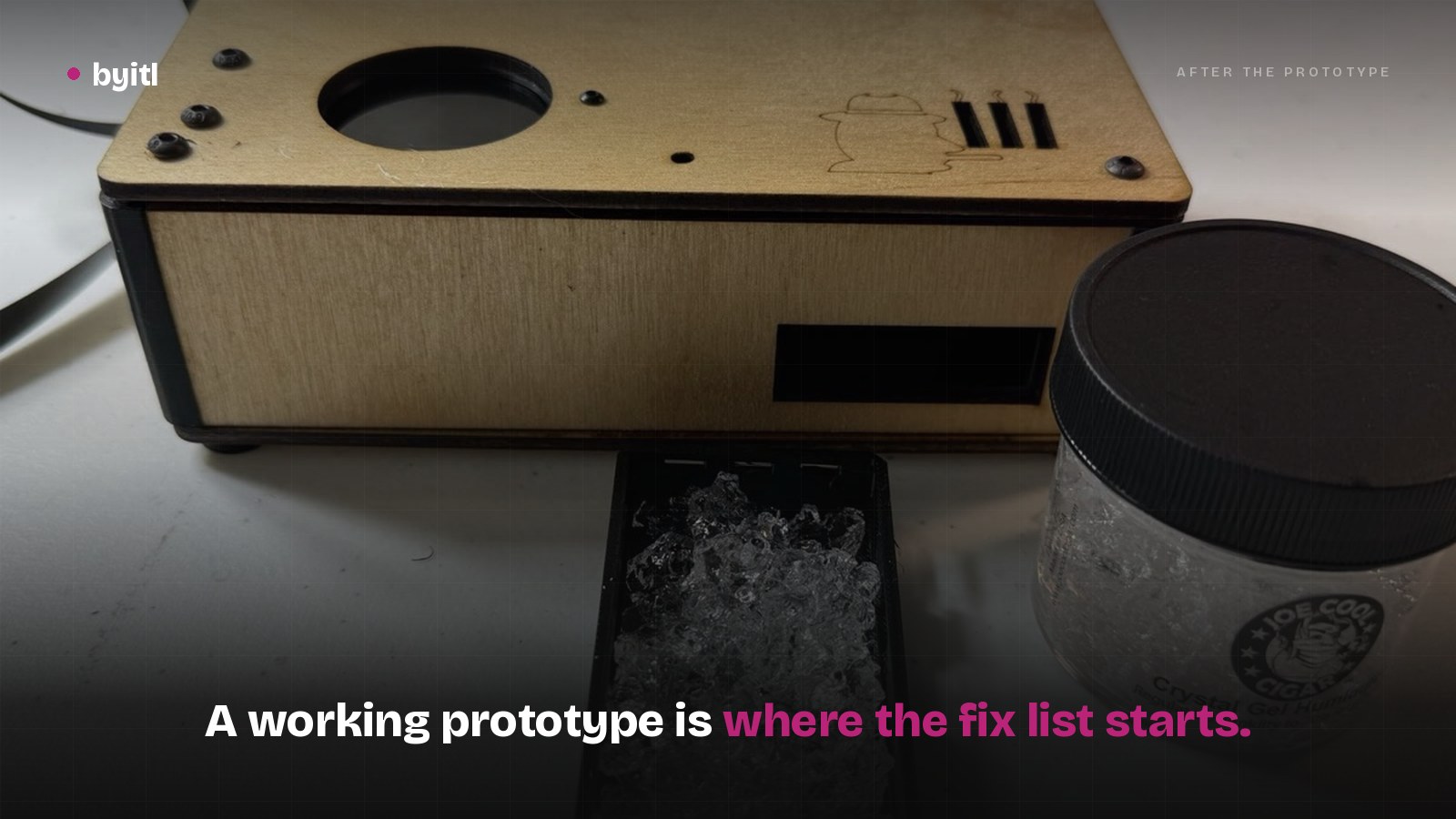
Is my prototype ready to sell? What comes next
No. A working prototype proves the idea works. Selling it takes a revision, a small batch, lab certification and, at volume, tooling. Here's the order.
· 6 min read
Who owns my prototype design, and do I need an NDA?
You should own the board files, firmware source and case CAD once you pay. An NDA keeps your idea private; it doesn't make you the owner.
· 7 min read
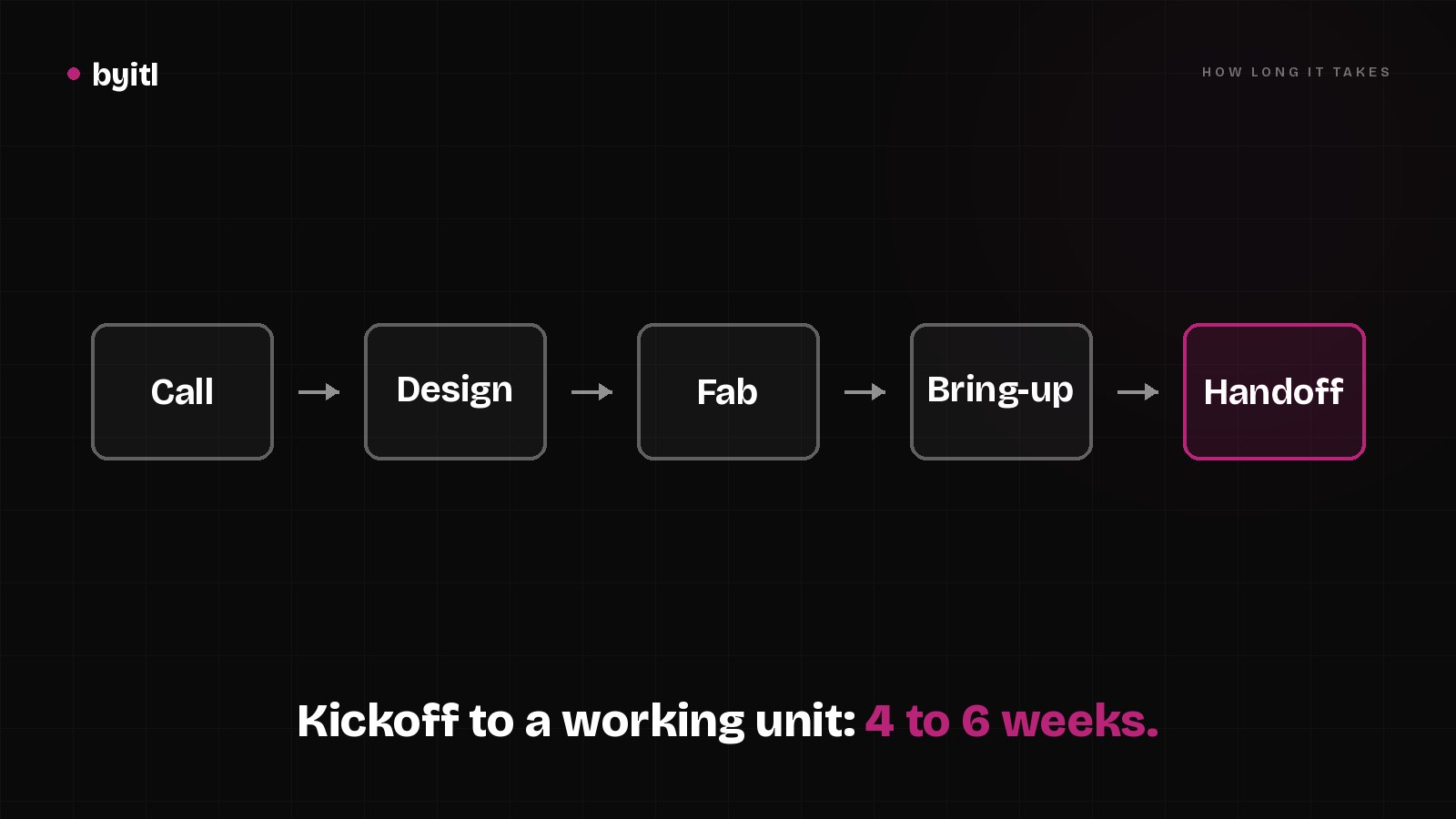
How long does it take to prototype an electronic product?
A working prototype of a new electronic device takes us 4 to 6 weeks from kickoff. About a week or two of that is the fab. Here's where the rest goes.
· 7 min read